
CaseSafe™ Instructions for Android UsersUpdated 5 hours ago
Set up
Step 1: Prepare the CaseSafe tracker
- Open your suitcase and locate the back of the tracker.
- Remove the plastic tab. The device will beep once and the indicator light will blink.
- Open the Find Hub app on your Android device.
Step 2: Pair with your Android device
- Keep your luggage and your Android device close together.
- Wait for a pop-up notification that a new device has been found.
- If no pop-up appears:
- Open Settings and go to Google > All Services > Devices.
- Make sure Scan for nearby devices is turned on.
- Look for the device under Available devices nearby.
- Tap July Luggage in the list.
- Follow the on-screen prompts. You may need to turn on Bluetooth, Location or other features.
- Your luggage is now linked to your Google Account and works with Find Hub.
Please note: if the plastic tab has been removed, or the device was unpaired and left disconnected for 10 minutes, it will enter Sleep Mode. To wake it up:
- Remove the battery.
- Wait 10 seconds.
- Reinsert the battery.
The device will power on and can then be paired again by following Step 2.
Unpairing from Android devices
- Open Find Hub.
- Select July Luggage.
- Tap Settings.
- Tap Remove from Find Hub and follow the prompts.
Changing the battery
- Open your suitcase and locate the back of the trackable TSA lock.
- Use a flat object to twist off the battery cap.
- Use a pointed tool to remove the old battery and insert a new CR2032 battery.
- Use a flat object to twist the battery cap back on.
Factory reset
A factory reset is available on request. Please contact our team and we'll help you out.
Operational instructions
Checking connection status
Press the button once to check the status:
- Unpaired: 3 blinks, 3 chimes
- Paired but disconnected: 1 blink, 3 chimes
- Paired and connected: 1 blink, 1 chime
If the device is ringing because it was pinged from the app, press the button once to silence it.
How to disable an unknown CaseSafe device
If you receive a notification about an unknown CaseSafe device nearby, tap the notification to make it ring. Once you've found it:
- Unlock and unzip the suitcase.
- Locate the battery cover on the back of the tracker.
- Open the cover with a coin or flat tool.
- Remove the battery.
Safety notice
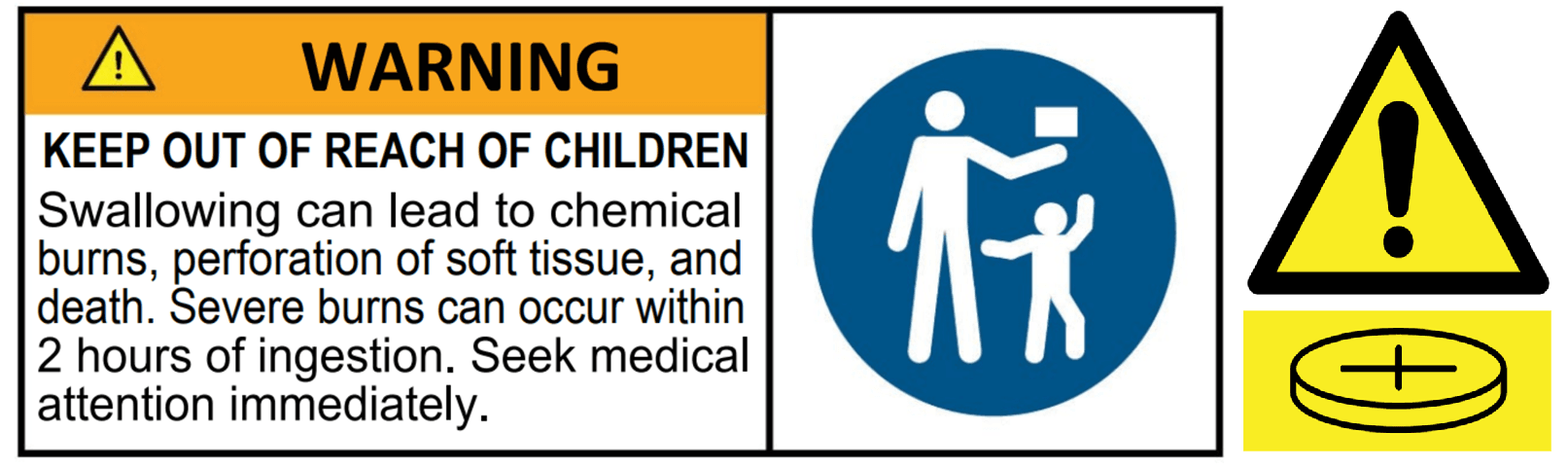
This product contains a button battery.
Android is a trademark of Google LLC.